
- Best Heatmap Tools TL;DR
- Best Website Heatmap Tools at a Glance
- What to Look for When Choosing a Heatmap Tool
- What Are The Best Heatmap Tools?
- 1. FigPii: Best All-in-One CRO
- 2. Microsoft Clarity: Best Free Heatmap Tool
- 3. Contentsquare: For Large Businesses With Complex Customer Journeys
- 4. Mouseflow: For Finding Friction and Form Abandonment
- 5. FullStory: For Product and Engineering Teams Investigating User Problems
- 6. Crazy Egg: For Simple Visual Reports and A/B Testing
- 7. Inspectlet: For Dynamic Websites and Broad Feature Access
- 8. Lucky Orange: For Ecommerce and Live Visitor Engagement
- 9. VWO Insights: For Teams Using VWO Experimentation
- 10. Zoho PageSense: For Affordable Analytics and Experimentation
- Choose the Best Heatmap Tool for Your Website
- Frequently Asked Questions About Heatmap Tools
- What is the best heatmap tool?
- What is the best free heatmap tool?
- What should you look for in a heatmap tool?
- What is the difference between heatmaps and session recordings?
- Can heatmap tools improve conversion rates?

Join Our Journey To $100K in Monthly Revenue.
Subscribe to Invesp's blog feed for future articles delivered to your feed reader or receive weekly updates by email.Looking for the best heatmap tools? You shouldn’t need a scroll map to find the actual recommendations.
Most heatmap tools promise the same basic thing: showing you where visitors click, scroll, and spend their time. But their features, pricing, and usefulness can vary considerably.
We compared 10 best heatmap tools to see what each one does well, where it falls short, and who it is best for. Here’s the quick comparison before we examine each tool in detail.
Best Heatmap Tools TL;DR
- Best for heatmaps, recordings, surveys, and A/B testing in one platform: FigPii
- Best free heatmap tool: Microsoft Clarity
- Best for form analytics: Mouseflow
- Best for detailed session analysis: Fullstory
- Best for large businesses: Contentsquare
- Best overall choice depends on the features you need, your budget, and the size of your website
Best Website Heatmap Tools at a Glance
| Tool | Best for | Key tools included | A/B testing | Free option | Paid pricing and usage allowance | Main limitation |
|---|---|---|---|---|---|---|
| FigPii | Teams that want website research and testing in one platform | Heatmaps, session recordings, polls, and A/B testing | Included on every plan | Up to 15,000 monthly visitors | $149.99/month for 30,000 visitors; includes unlimited heatmaps, recordings, polls, users, and A/B tests within the visitor limit | The jump from the free plan to the first paid plan is relatively steep |
| Microsoft Clarity | Businesses that need free heatmaps and recordings | Heatmaps, session recordings, filters, and AI summaries | No | Free with no traffic limits | No paid plan | No surveys, form analytics, or built-in A/B testing |
| Contentsquare | Larger businesses that need detailed experience analytics | Heatmaps, session replay, surveys, funnels, and error monitoring | No | Up to 200,000 monthly sessions, although replay limits apply | Pricing varies by product and usage | Its pricing and product structure can be difficult to compare |
| Mouseflow | Teams focused on forms and website friction | Heatmaps, session replay, form analytics, funnels, and surveys | No | Up to 500 monthly sessions | $25/month for 5,000 sessions; the Advanced plan costs $109/month for 25,000 sessions and additional features | Several advanced features require higher-priced plans |
| Fullstory | Product teams that need detailed session analysis | Heatmaps, session replay, funnels, product analytics, and error analysis | No | Up to 30,000 monthly sessions | Custom pricing for paid plans | Paid pricing is not publicly available |
| Crazy Egg | Marketers who want visual reports and basic testing tools | Heatmaps, recordings, surveys, web analytics, and A/B testing | Available on plans from $99/month | 30-day free trial | $29/month for 5,000 tracked pageviews; plans with A/B testing start at $99/month | The entry plan does not include the complete feature set |
| Inspectlet | Small teams that want a broad feature set at a lower price | Dynamic heatmaps, session recordings, form analytics, surveys, error logging, and A/B testing | Included | Up to 2,500 monthly sessions | $39/month for 10,000 monthly sessions | Entry plans have relatively low session limits |
| Lucky Orange | Ecommerce businesses that also need visitor communication tools | Dynamic heatmaps, recordings, surveys, form analytics, funnels, and live chat | No | Seven-day free trial | $32/month when billed annually for 3,500 monthly sessions | No built-in A/B testing |
| VWO Insights | Teams already using the VWO platform | Heatmaps, session recordings, form analytics, and funnels | Available through the separate VWO Testing product | 30-day free trial | Usage-based pricing; full pricing is not publicly displayed | Testing and surveys are sold as separate VWO products |
| Zoho PageSense | Budget-conscious teams that want research and testing tools | Heatmaps, session recordings, form analytics, funnels, polls, and A/B testing | Available on the Enterprise plan | Up to 5,000 monthly users | Professional starts at $20/month for 10,000 users; Enterprise with A/B testing starts at $49/month | The entry paid plan does not include A/B testing |
Note: Prices are not directly comparable because each platform measures usage differently. Some charge by visitors, others by sessions, tracked users, or pageviews. They also include different features at their entry prices. Pricing and plan details were checked in August 2026.

What to Look for When Choosing a Heatmap Tool
Not every heatmap tool gives you the same level of insight or the same value for your budget. When comparing options, look at:
-
Heatmap types: Click, scroll, and movement heatmaps show different parts of visitor behavior. Make sure the tool includes the views you will actually use if you want the heatmap tool to transform your site.
-
Session recordings: Heatmaps show the pattern; recordings help explain it. Look for filters that let you find sessions with rage clicks, errors, or abandoned forms.
-
Ways to act on insights: Surveys, form analytics, and A/B testing help you move from spotting a problem to understanding and fixing it.
-
Traffic limits and pricing: Check what the plan includes at your current traffic level. A low starting price can become expensive quickly as visitor numbers grow.
-
Privacy and performance: Choose a tool that masks sensitive visitor information and does not noticeably slow down your website.
What Are The Best Heatmap Tools?
These are my top picks for the best website heatmap tools:
1. FigPii: Best All-in-One CRO
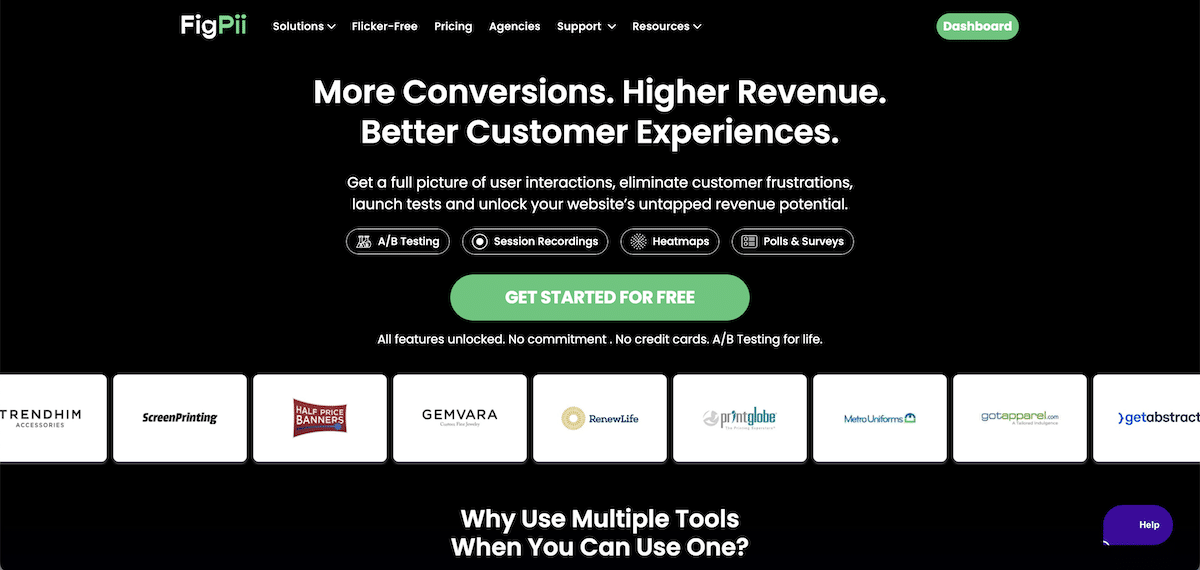
FigPii brings heatmaps, session recordings, polls, and A/B testing into one platform. The main benefit is that you can see how visitors use a page, watch where they struggle, ask them what is wrong, and test a possible solution – all in one platform.
This means you can move from finding a problem to fixing it without paying for or switching between separate heatmap setup, survey, recording, and A/B testing tools.
Another benefit is that the tool offers unlimited heatmaps, recordings, polls, users, and A/B tests within each plan’s visitor limit.
Key features:
- Click, movement, and scroll heatmaps show what attracts attention, what gets ignored, and how far visitors scroll.
- Session recordings let you watch the individual visits behind the patterns you see in a heatmap.
- On-page polls help you ask visitors why they are confused, leaving, or choosing not to convert.
- Built-in A/B testing lets you test potential improvements and measure whether they actually work.
Best for: CRO and marketing teams that want an all-in-one platform to find conversion problems and test solutions.
Limitation: The free plan is generous, but the first paid plan starts at $149.99 per month, which is a significant jump for smaller websites.
Pricing: Free for up to 15,000 monthly visitors. Paid plans start at $149.99 per month for 30,000 monthly visitors.
Want to see how FigPii brings heatmaps, recordings, polls, and A/B testing together? Try it free for up to 15,000 monthly visitors. Start using FigPii for free.
Or, tracking more than 1,000,000 monthly visitors? Contact the FigPii team for enterprise pricing.
2. Microsoft Clarity: Best Free Heatmap Tool
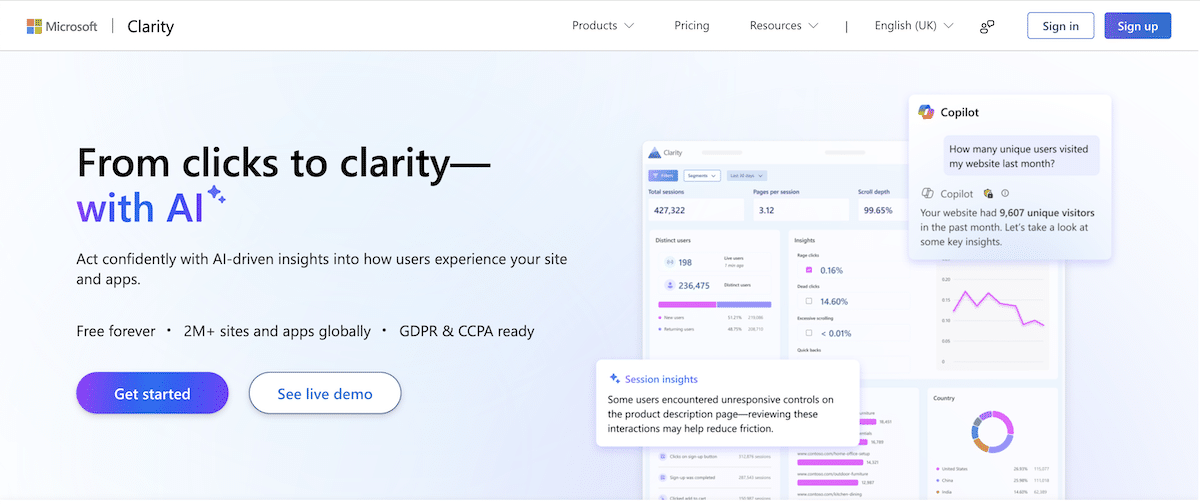
Microsoft Clarity gives you heatmaps, session recordings, and AI-powered insights without charging for traffic. It is a strong choice for businesses that want to understand how visitors use their website but are not ready to pay for a broader CRO platform.
The platform is free, regardless of how much traffic your website receives.
Key features:
- Click and scroll heatmaps show what visitors interact with and where they drop off.
- Session recordings help you see where individual visitors hesitate, struggle, or leave.
- AI summaries highlight common patterns without requiring you to review every recording manually.
Best for: Small businesses, startups, and marketing teams that need free heatmaps and session recordings.
Limitation: Clarity does not include surveys, form analytics, or built-in A/B testing, so you will need other tools to investigate and test possible solutions.
Pricing: Free forever with no traffic limits.
3. Contentsquare: For Large Businesses With Complex Customer Journeys
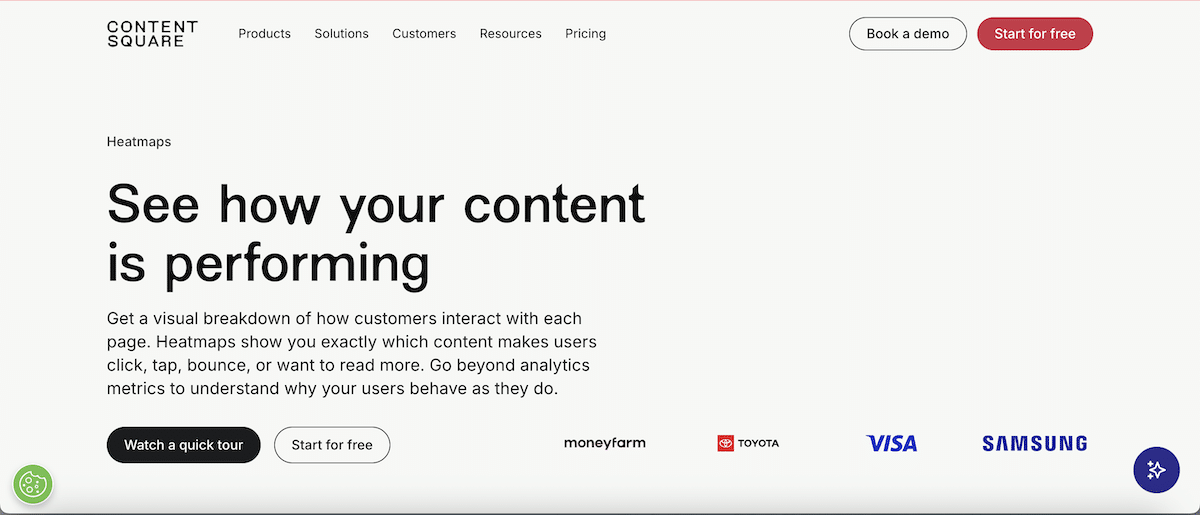
Contentsquare is an enterprise heatmap solution on this list. Its distinctive zone-based heatmaps attach metrics such as revenue, conversion rate, and hesitation time to individual page elements. This helps teams see which parts of a page contribute to conversions and revenue.
It also connects heatmap data with customer journeys, session replays, surveys, and website errors. Hotjar is now part of Contentsquare, so its heatmaps, recordings, and feedback tools are now available within the broader Contentsquare platform.
Key features:
- Heatmaps and session replays show where visitors engage, struggle, or leave.
- Journey analysis helps teams understand how behavior changes across multiple pages.
- Surveys add direct customer feedback to the behavioral data.
- AI summaries highlight important patterns and areas that may need attention.
Best for: Large businesses that need to analyze customer behavior across complex websites, apps, and user journeys.
Limitation: Contentsquare does not include built-in A/B testing, and its different products and pricing options can be difficult to compare.
Pricing: A free plan is available. Paid pricing varies depending on the products and usage required.
4. Mouseflow: For Finding Friction and Form Abandonment
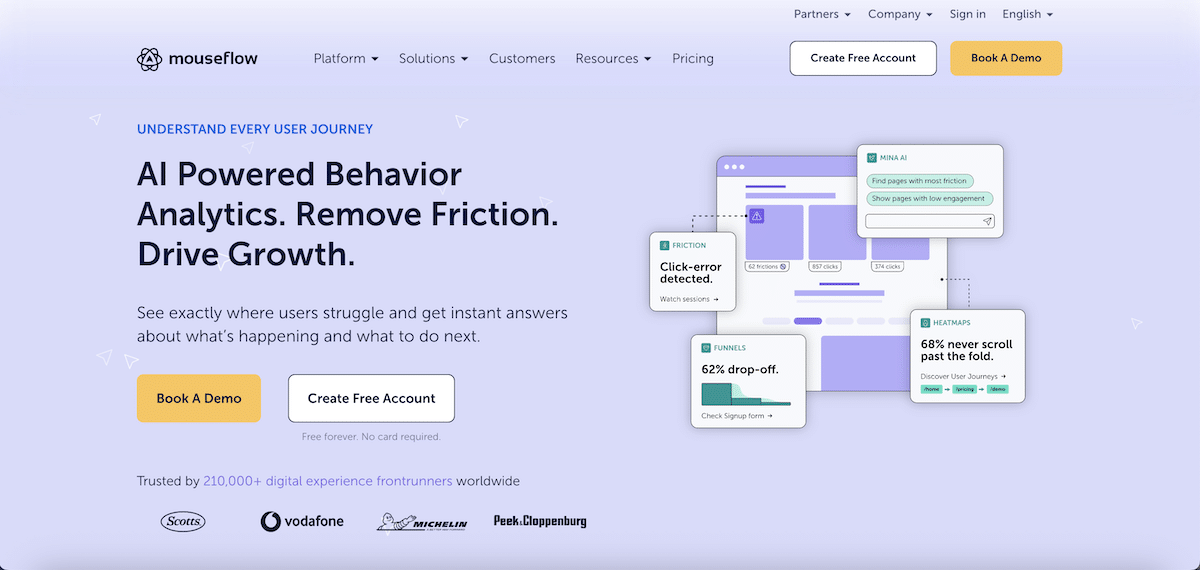
Mouseflow automatically creates seven types of heatmaps, including click, scroll, movement, attention, geographic, interactive, and friction heatmaps. Its Friction Score highlights sessions and pages affected by rage clicks, dead clicks, errors, and other signs of visitor frustration.
Its form analytics also shows which fields visitors hesitate over, fail to complete, or abandon, making it particularly useful for lead-generation and checkout forms.
Key features:
- Seven heatmap types provide different views of engagement and frustration.
- Friction Scores help teams find problematic pages and sessions faster.
- Form analytics identifies fields causing hesitation or abandonment.
- Funnels connect drop-offs with relevant session recordings.
Best for: CRO and marketing teams that need to diagnose website friction, form abandonment, and funnel drop-offs.
Limitation: Mouseflow does not include built-in A/B testing, and feedback surveys require a higher-priced plan.
Pricing: Free for up to 500 monthly sessions. Paid plans start at $25 per month for 5,000 sessions.
5. FullStory: For Product and Engineering Teams Investigating User Problems
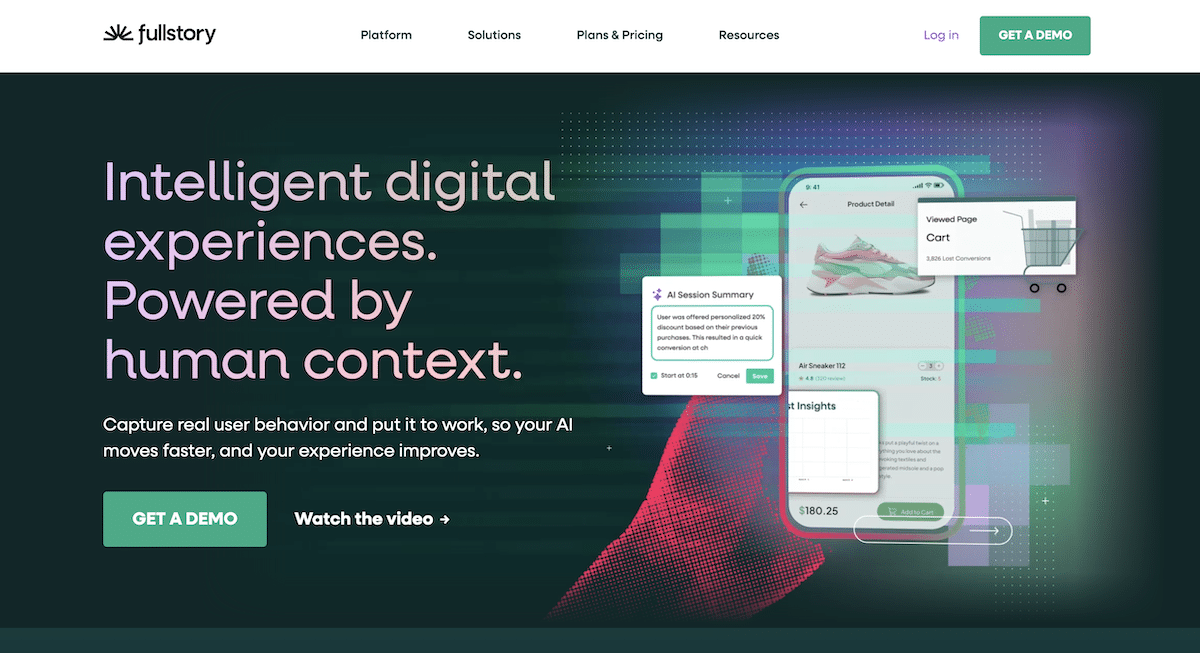
FullStory automatically captures user interactions across websites and apps, making the data searchable later. Teams can investigate a new question without setting up tracking for that specific action in advance.
Its heatmaps connect directly to session replays, frustration signals, product analytics, and technical data. If a heatmap reveals repeated clicks on a broken element, a team can open the affected sessions and see whether the problem was caused by confusing design, slow performance, or a technical error.
Key features:
-
Automatic data capture allows teams to analyze past behavior without creating tracking events beforehand.
-
Session replay shows the actions leading up to errors, drop-offs, and other points of frustration.
-
Heatmaps can be filtered by rage clicks, dead clicks, and error clicks.
Best for: Product and engineering teams that need to investigate both user behavior and the technical problems behind it.
Limitation: FullStory may be more complex than necessary for teams that only need basic heatmaps. It also lacks surveys and built-in A/B testing.
Pricing: Free for up to 30,000 monthly sessions. Paid plans use custom pricing.
6. Crazy Egg: For Simple Visual Reports and A/B Testing
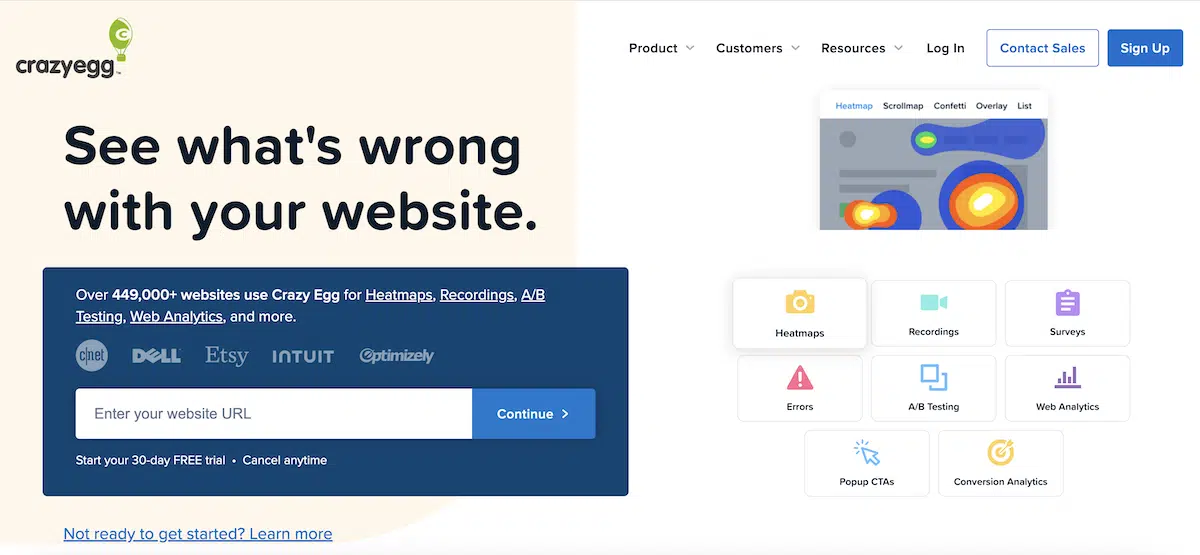
Crazy Egg makes heatmap data easy to understand and present. Alongside standard heatmaps and scroll maps, its Confetti report displays individual clicks and separates them by factors such as traffic source, device, and campaign. Its Overlay report shows the percentage of clicks each page element receives.
The platform also includes a simple visual editor for turning these findings into A/B tests without requiring a separate experimentation tool.
Key features:
- Confetti reports show who clicked and where different visitors came from.
- Overlay reports display the share of clicks received by individual page elements.
- Built-in A/B testing lets marketers create and test page changes.
- Surveys and error tracking add customer feedback and technical context.
Best for: Marketing teams that want easy-to-read heatmap reports and basic A/B testing without a complex analytics platform.
Limitation: Crazy Egg has no free plan, and the $29 entry plan does not include A/B testing or surveys.
Pricing: Plans start at $29 per month for 5,000 tracked pageviews. Plans with A/B testing and surveys start at $99 per month.
7. Inspectlet: For Dynamic Websites and Broad Feature Access
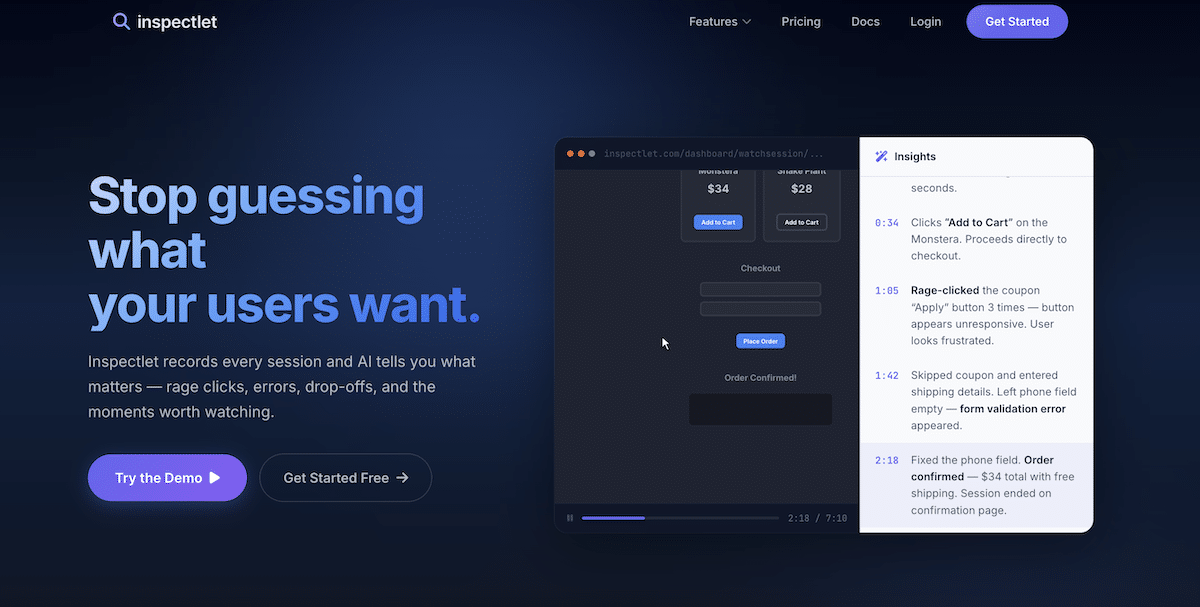
Inspectlet’s dynamic heatmaps analyze interactions on the live version of a page rather than relying only on a fixed screenshot. This makes them useful for websites with menus, pop-ups, changing content, and single-page app elements that may not appear in the same place for every visitor.
Every plan includes heatmaps, session recordings, form analytics, surveys, A/B testing, error logging, and AI insights, so smaller teams can use the full toolkit without purchasing separate products.
Key features:
- Dynamic heatmaps capture interactions with changing page elements.
- Session recordings and form analytics reveal where visitors hesitate or abandon a task.
- Error logging connects technical problems with the sessions in which they occurred.
- A/B testing and surveys are included across all plans.
Best for: Small teams and businesses with dynamic websites that want several research and testing tools at a relatively low entry price.
Limitation: The free and entry-level plans have lower session limits than several competing tools.
Pricing: Free for up to 2,500 monthly sessions. Paid plans start at $39 per month for 10,000 monthly sessions.
8. Lucky Orange: For Ecommerce and Live Visitor Engagement
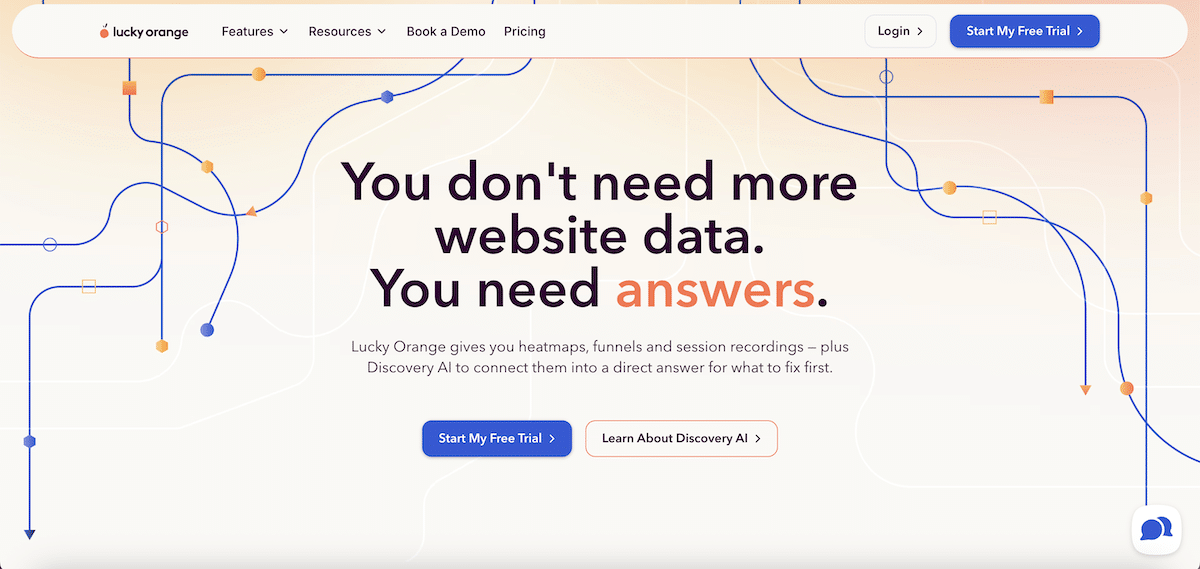
Lucky Orange combines heatmaps and recordings with tools for communicating with visitors while they are still on the website. Teams can see a visitor struggling through Live Visitor View, start a chat, or use surveys and announcements to collect feedback.
Its dynamic heatmaps, form analytics, and funnels are especially useful to see product-page engagement, checkout abandonment, and other ecommerce problems.
Key features:
- Dynamic heatmaps track interactions with menus, pop-ups, and other changing elements.
- Form analytics and funnels show where visitors abandon checkout or lead-generation flows.
- Live Visitor View and chat allow teams to assist visitors while they browse.
- Surveys and announcements collect feedback directly on the website.
Best for: Ecommerce and customer-facing teams that want behavior analytics and live visitor communication in one tool.
Limitation: Lucky Orange does not include A/B testing and offers only a seven-day trial, not a permanent free plan.
Pricing: Plans start at $32 per month when billed annually for 3,500 monthly sessions.
9. VWO Insights: For Teams Using VWO Experimentation
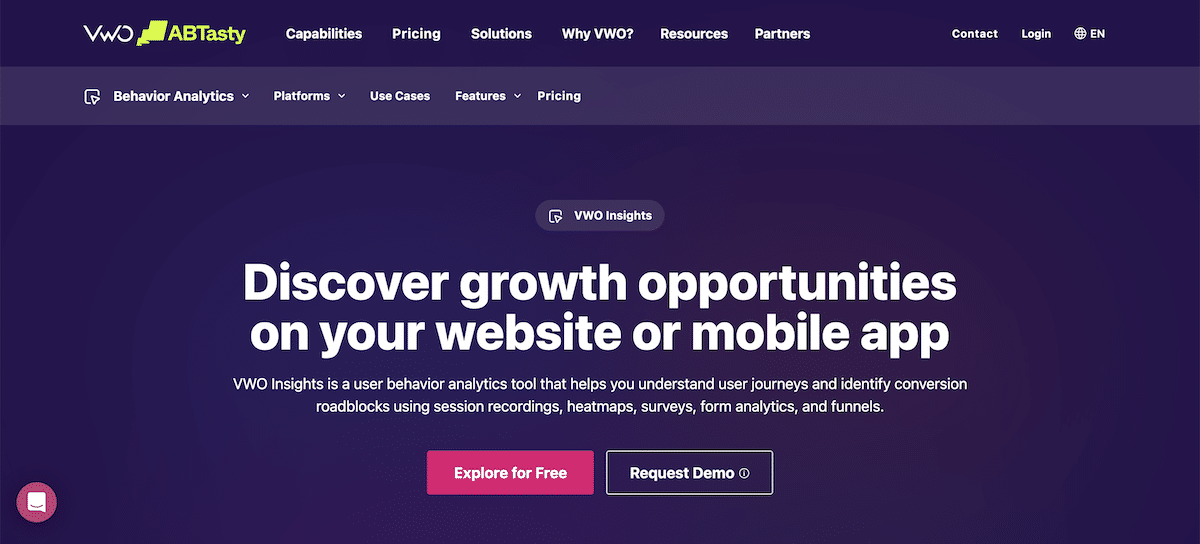
VWO Insights is the behavior analytics part of the wider VWO platform. It combines heatmaps, session recordings, form analytics, and funnels to help teams research conversion problems before creating an experiment. When used with VWO Testing, teams can view heatmaps and recordings for individual test variations.
Key features:
-
Heatmaps and recordings show how visitors interact with websites and mobile apps.
-
Form analytics identifies hesitation, repeated corrections, and field-level abandonment.
-
Funnels connect conversion drop-offs with the sessions behind them.
-
Integration with VWO Testing adds behavioral context to A/B test results.
Best for: Experimentation teams already using VWO that want research and testing data within the same product ecosystem.
Limitation: Heatmaps, surveys, and A/B testing are separate VWO products, which can make the full setup more expensive and complicated.
Pricing: A 30-day free trial is available. Paid pricing depends on the VWO products selected and the number of monthly tracked users.
10. Zoho PageSense: For Affordable Analytics and Experimentation
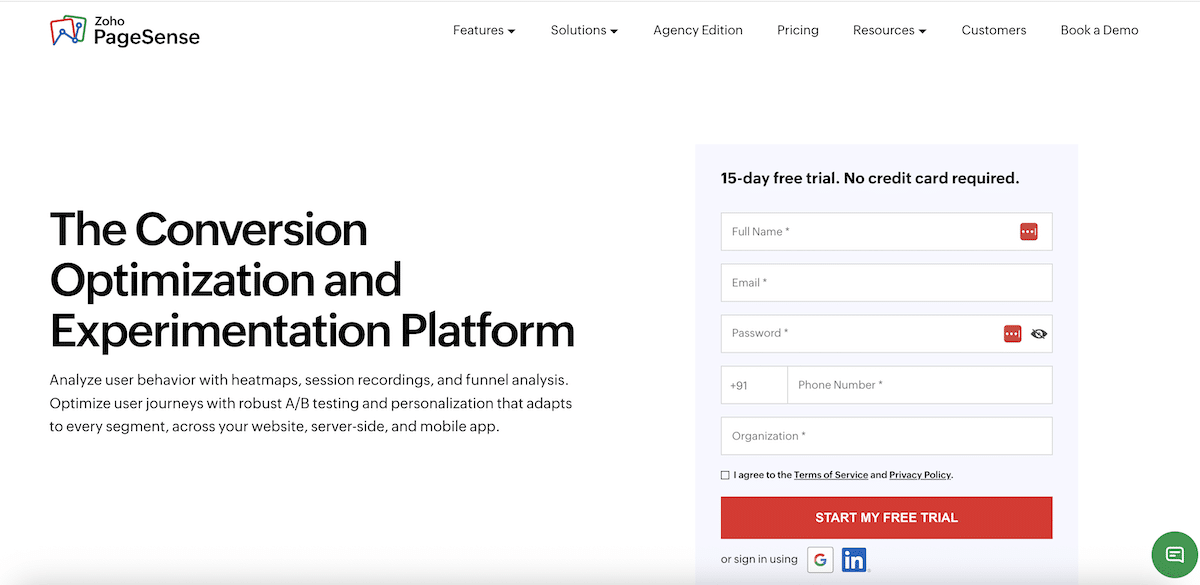
Zoho PageSense covers the CRO process from identifying a problem to testing a solution. Teams can use heatmaps and recordings to observe behavior, form and funnel analytics to measure drop-offs, polls to collect feedback, and A/B testing to check whether a change works.
Key features:
-
Heatmaps and session recordings show how visitors interact with individual pages.
-
Form and funnel analytics identify where visitors abandon conversion journeys.
-
Polls, pop-ups, and push notifications help teams collect feedback and engage visitors.
Best for: Small and midsized teams that want behavior analytics and experimentation at a lower price.
Limitation: A/B testing and personalization are not included in the free or Professional plans and require an Enterprise subscription.
Pricing: Free for up to 5,000 monthly users. Professional plans start at $20 per month for 10,000 users, while Enterprise plans with A/B testing start at $49 per month.
Invesp TV

Bounce Rate in Google
Analytics 4

Top Google Optimize
Alternatives
Conversion Rate Optimization
Mastery Course: SHIP Process
by Invesp
Choose the Best Heatmap Tool for Your Website
The best heatmap tool matches what you need to learn and what you plan to do with those insights.
Choose Microsoft Clarity if you need free heatmaps and recordings, Mouseflow for form and friction analysis, Fullstory for detailed session investigation, or Contentsquare for connecting customer behavior with business results.
If you want to find conversion problems and test solutions without switching between separate platforms, FigPii combines heatmaps, session recordings, polls, and A/B testing in one place. You can start using FigPii for free for up to 15,000 monthly visitors.
Frequently Asked Questions About Heatmap Tools
What is the best heatmap tool?
The best heatmap tool depends on your needs. FigPii suits teams that want heatmaps, recordings, polls, and A/B testing together. Microsoft Clarity is a good free option, Mouseflow is useful for form analysis, and Contentsquare is built for larger businesses.
What is the best free heatmap tool?
Microsoft Clarity is one of the best free heatmap tools because it offers heatmaps and session recordings without a traffic limit. FigPii also has a free plan for up to 15,000 monthly visitors, with polls and A/B testing included.
What should you look for in a heatmap tool?
Consider the types of heatmaps offered, visitor or session limits, filtering options, session recordings, privacy controls, and pricing. If you want to act on your findings, look for tools that also include surveys, form analytics, or A/B testing.
What is the difference between heatmaps and session recordings?
Heatmaps combine visitor activity into a visual summary, making it easier to spot patterns. Session recordings show individual visits, helping you understand why a particular visitor became confused, encountered a problem, or left the page.
Can heatmap tools improve conversion rates?
Heatmap tools can reveal issues that may be hurting conversions, such as ignored CTAs, confusing page elements, or content placed too far down the page. You can then use those findings to make changes and validate them through A/B testing.